TL;DR — Bought ~100 surplus Hema e-paper shelf labels for a makerspace 3D-printer status board. The project fell through. Less than a third of the tags survived triage. I reflashed the survivors into Bluetooth clocks anyway.
The plan
The makerspace has a perennial problem: nobody knows who’s on which 3D printer, whether a print is running, or how long is left. The state of the art was masking-tape notes stuck on the machines.
I wanted a proper status board. A row of e-paper tags, one per printer, each showing who’s printing and how long is left, updated over Bluetooth.
Surplus electronic shelf labels (ESLs) are exactly this. E-ink, so the image holds with zero power. BLE radio. And TaoBao is full of them — 盒马 (Hema), Alibaba’s grocery chain, retires these by the shelf-load.
So I ordered ~100, untested, for cheap.
The project fell through
Personal reasons.
That left me with ~100 e-paper tags, so have some fun and find a use.
The repo
Searching for a use, I found tpunix’s HMCLOCK — a Chinese repo showing exactly how to reflash these tags into clocks over SWD. That became the plan: keep the original board, flash new firmware, make clocks. By the time the batch arrived, I knew what I was going to do with it.
The batch
Rough, as untested lots are. Many screens cracked or dead. Some units never powered on. I mixed and matched panels and boards until a stack of working units emerged — less than a third of the lot survived.


Opening one is a one-way trip. The shells are ultrasonically welded shut; a Dremel gets you in, but the case doesn’t survive. Every tag I opened was committed to the build.


The survivors are a nice spec sheet: e-ink panel, BLE radio, power system, case. The only thing missing is a brain. The stock firmware is locked down - OTP. My way in is the debug port.
What’s inside
Hema uses several ESL variants. Mine are 2.13″. The models this project supports:
| Size | Colors | Panel connection | Panel model | EPD controller | Resolution | Disassembly |
|---|---|---|---|---|---|---|
| 2.13″ | B/W | Soldered | HINK-E0213A41 / A55 | IL3897 / SSD1675B | 212×104 | Hard |
| 2.13″ | B/W | Socket | OPM021B1 | IL3895 / SSD1673A | 250×122 | Hard |
| 2.13″ | B/W/R | Soldered | HINK-E0213A67 | IL3897 | 250×122 | Hard |
| 2.9″ | B/W/R | Socket | HINK-E029A10 | IL3897 | 296×128 | Easy |
Every variant is ultrasonically welded shut — the “Disassembly” column refers to the panel connection inside, not the shell.
My lot is the 2.13″ HINK-E0213A41 (212×104, B/W) — the panel documented in the repo’s
Hardware/HINK-E0213A41-FPC.md.
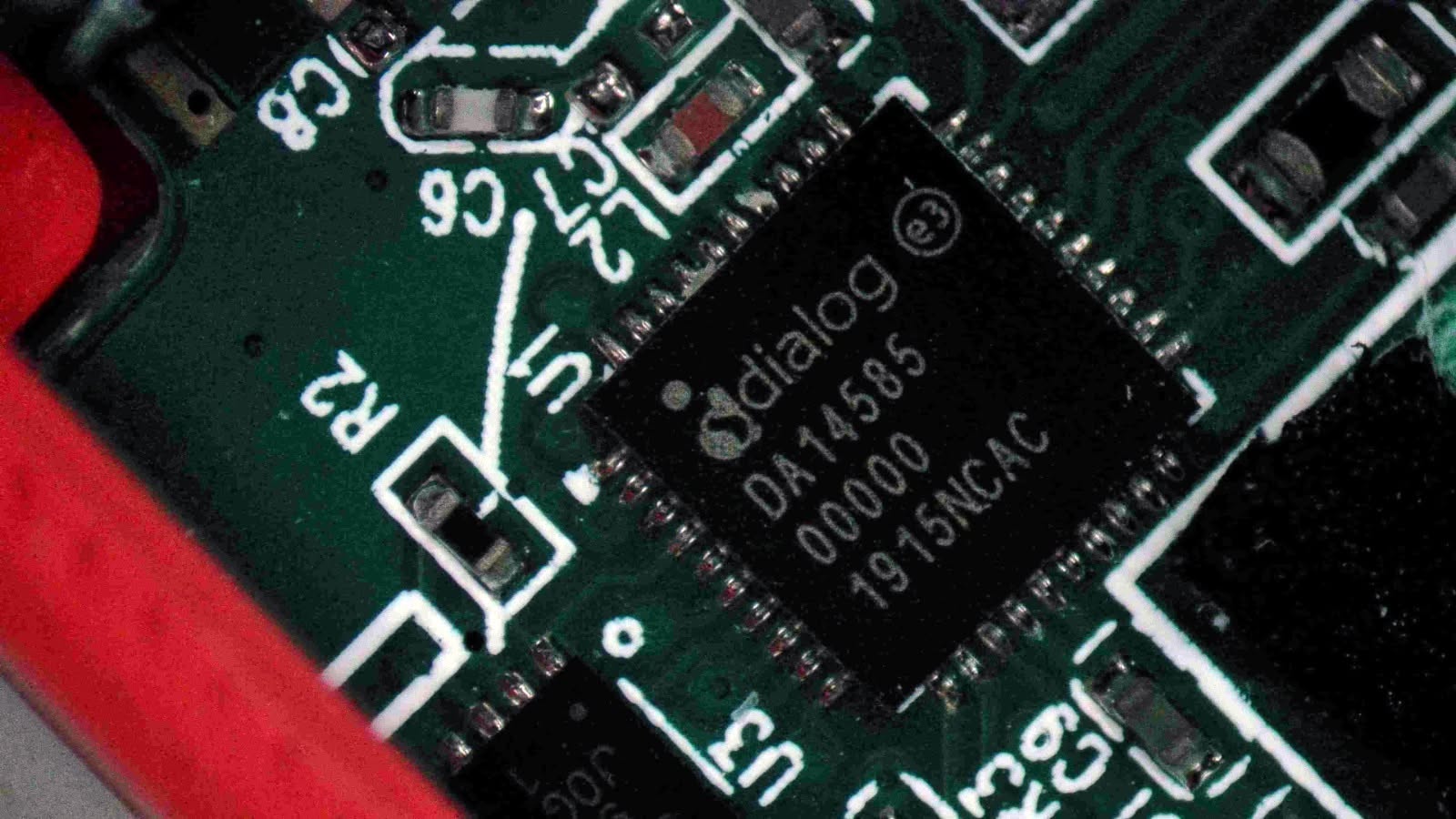
The tag runs a Dialog DA14585 — a Cortex-M0 BLE SoC (Renesas now). Two things shape the whole flashing story:
- No internal erasable flash. So Firmware runs have to Run from SRAM — loaded by a debugger, or copied there by the ROM bootloader from the external SPI flash.
- Panel config lives in flash. Screen type, pin mapping, and resolution are
read at boot from fixed addresses (
0x39000= pin config,0x3a000= resolution). One firmware build runs on all four panel variants.
Also: expect a dead battery — every surplus tag I’ve seen is near end-of-life. Replacement is easy, though: the connector is a standard JST SH 1.0 mm, and they run fine on a small LiPo — or even coin cells.
Flashing
The normal path: build with Keil MDK against the DA14585 SDK (6.0.22.1401), run in debug mode once, and the app writes itself to the SRAM. For programming, a J-Link is the preferred route, but any OpenOCD-compatible probe works — I use a Raspberry Pi Debug Probe (CMSIS-DAP), flashing with OpenOCD. Everything goes over SWD, through the SWDIO test pads on the board:

[object Promise]
This halts the core, writes the .axf into SRAM at 0x07fc0000, sets SP/PC from the vector
table, and resumes.
The clock
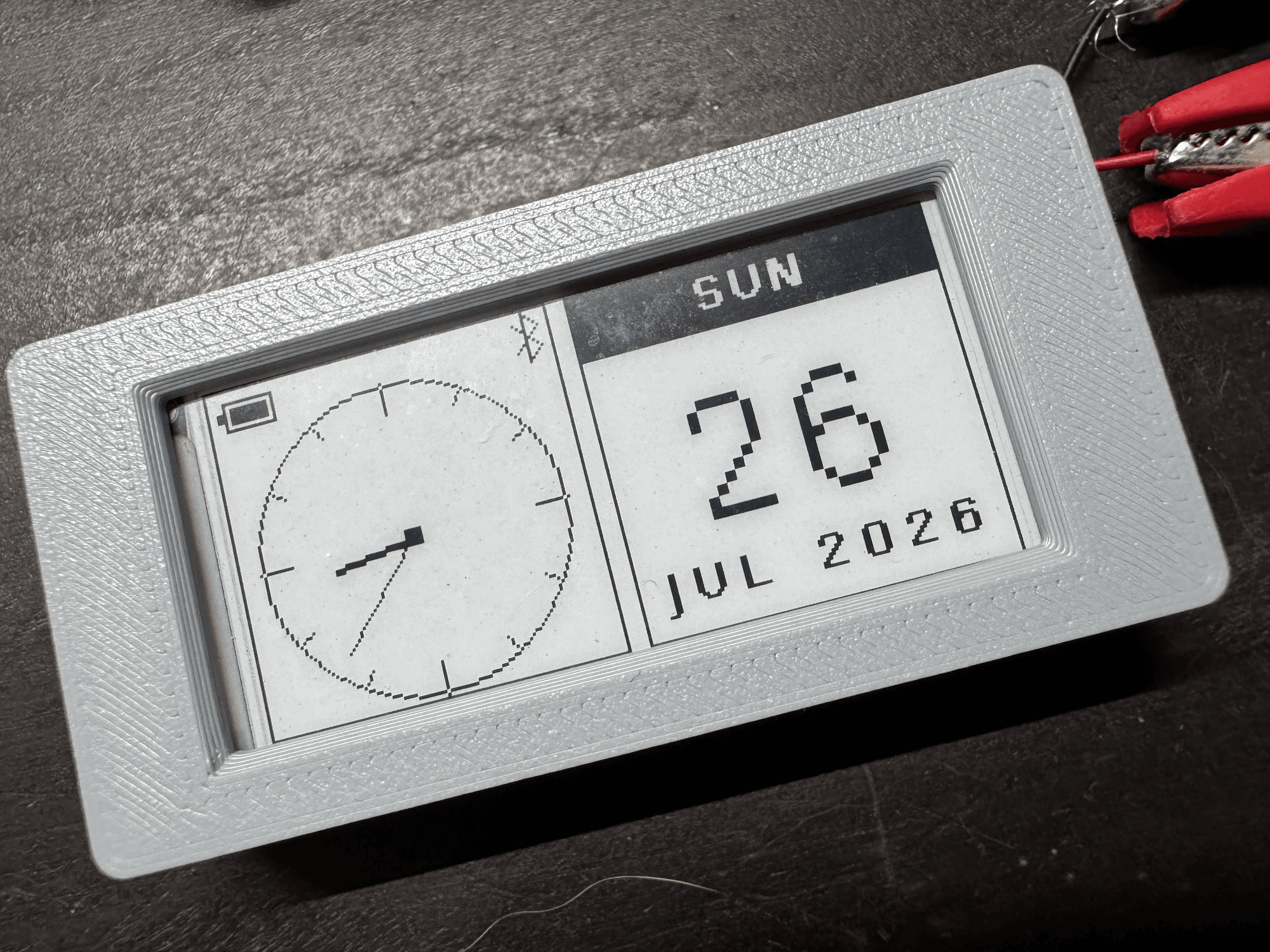
The firmware redraws once a minute, on the minute boundary. E-ink full refreshes are ugly and power-hungry; one a minute is the right cadence, and an analog face hides it well.
Two cards, sized to the panel:
- Left: analog clock face — hour hand, minute hand, tick marks.
- Right: iOS-style calendar — weekday header, big day-of-month, month + year.
- Battery level and Bluetooth status, top-left.
The English fork dropped the original lunar-calendar tables entirely.
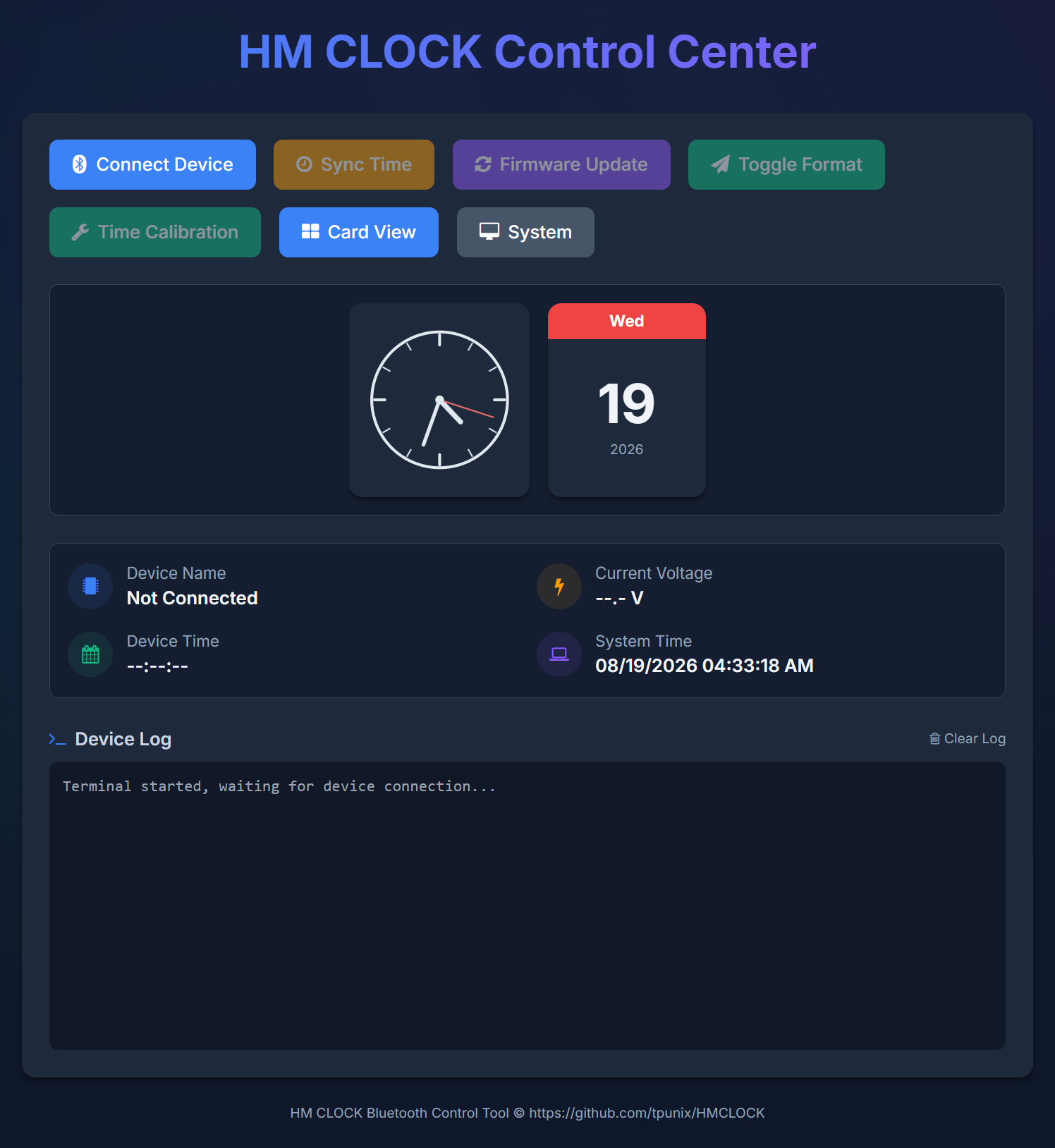
Time sync is over Web Bluetooth, through a small web app — which I also translated to English and host on GitHub Pages. The radio stays off normally; the firmware turns it on to advertise every 10 minutes on the dot, for 30 seconds. You open the web app, connect, and sync. No app install. Default drift is about +2 s/day (observed); the firmware computes a timer fixup from drift measurements, and two calibrations 2–3 weeks apart get it accurate. OTA updates run over the same link, with a CRC32 check before the new image boots — a stray power blip can’t brick a tag into a half-written image.
The web app also shows a live preview of the exact clock face, driven by the device’s time (or your system time when nothing’s connected). Light/dark theme. QR code on first power-on — terenceang.github.io/HMCLOCK-EN.
The case
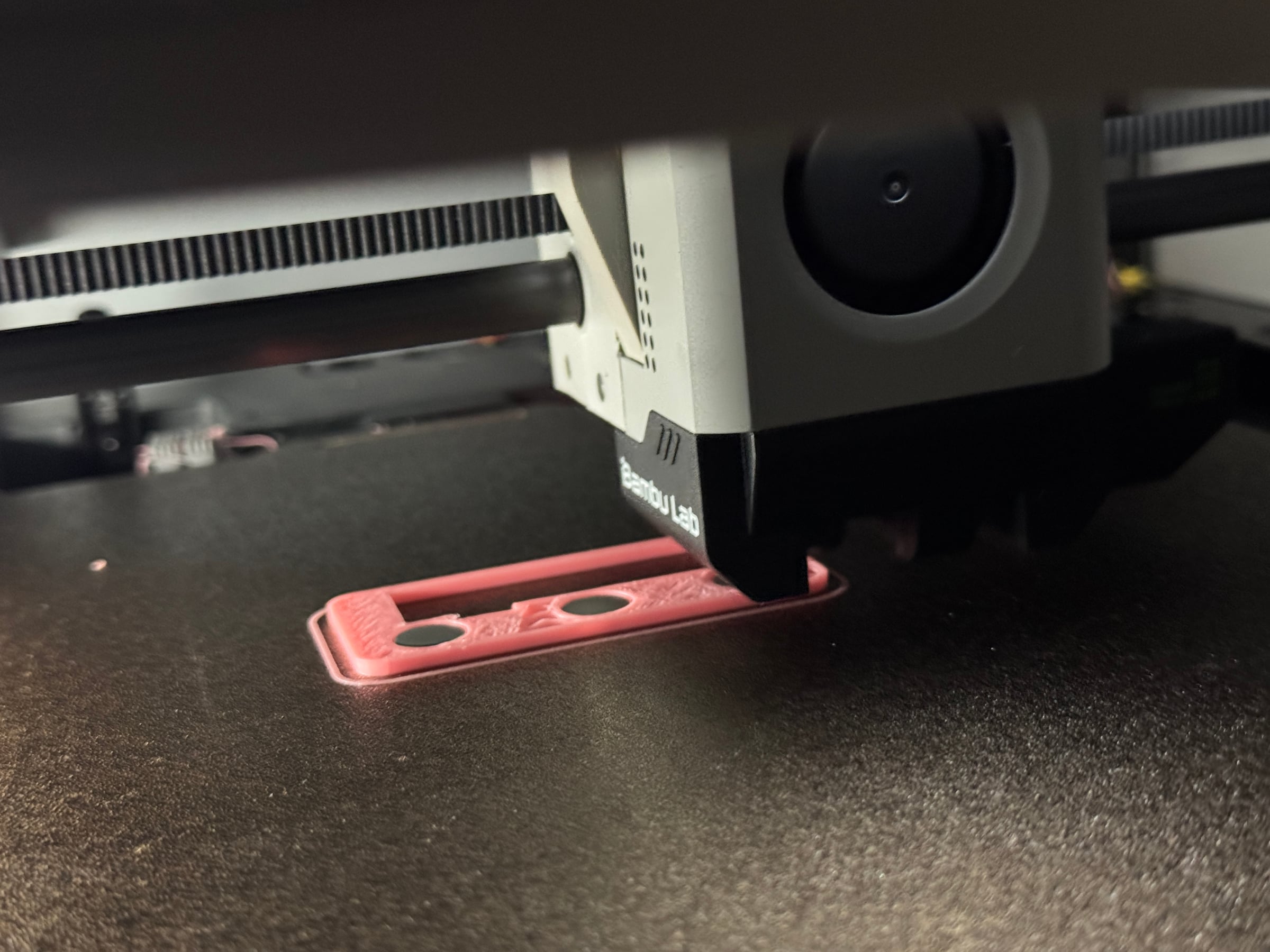
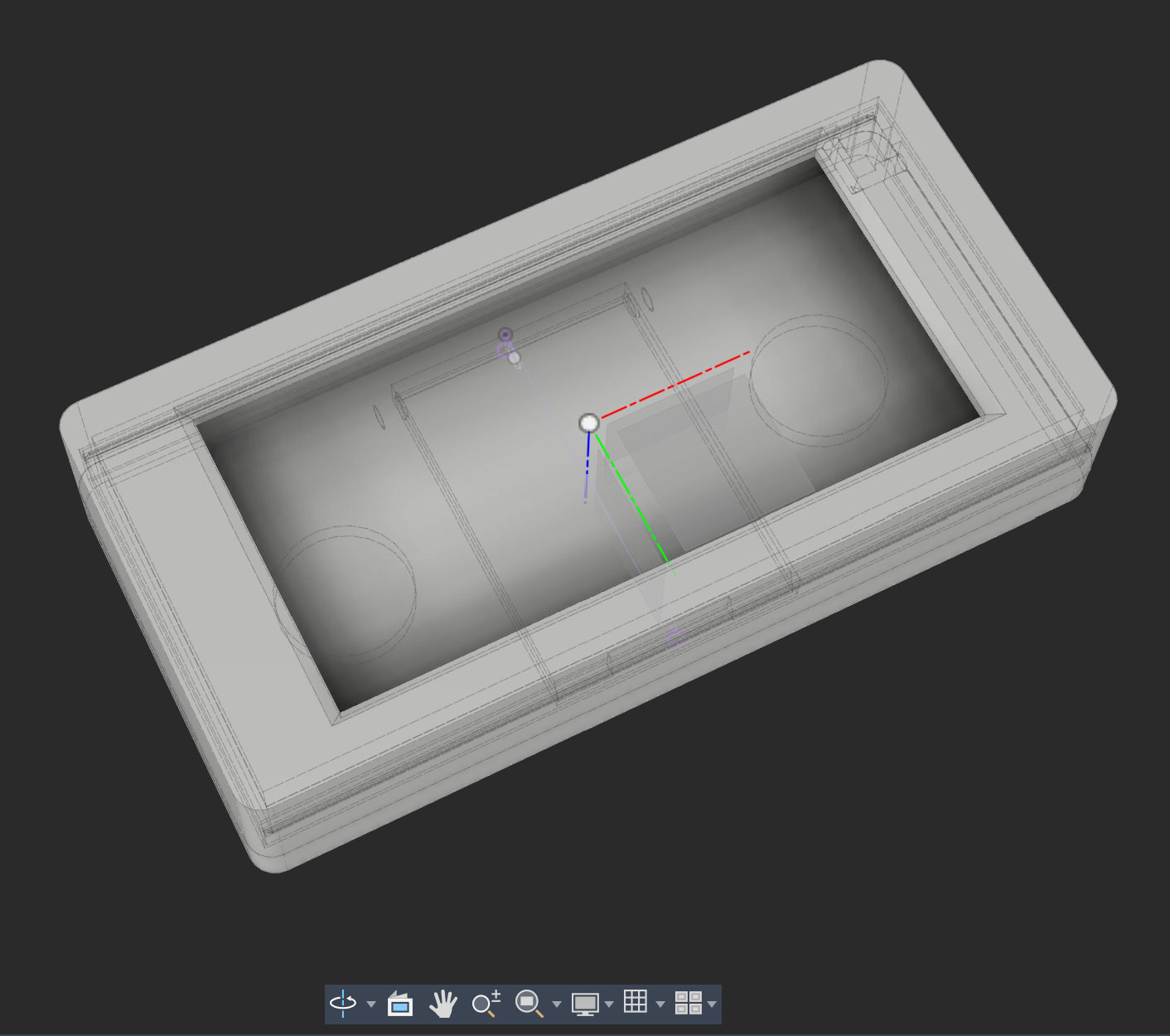
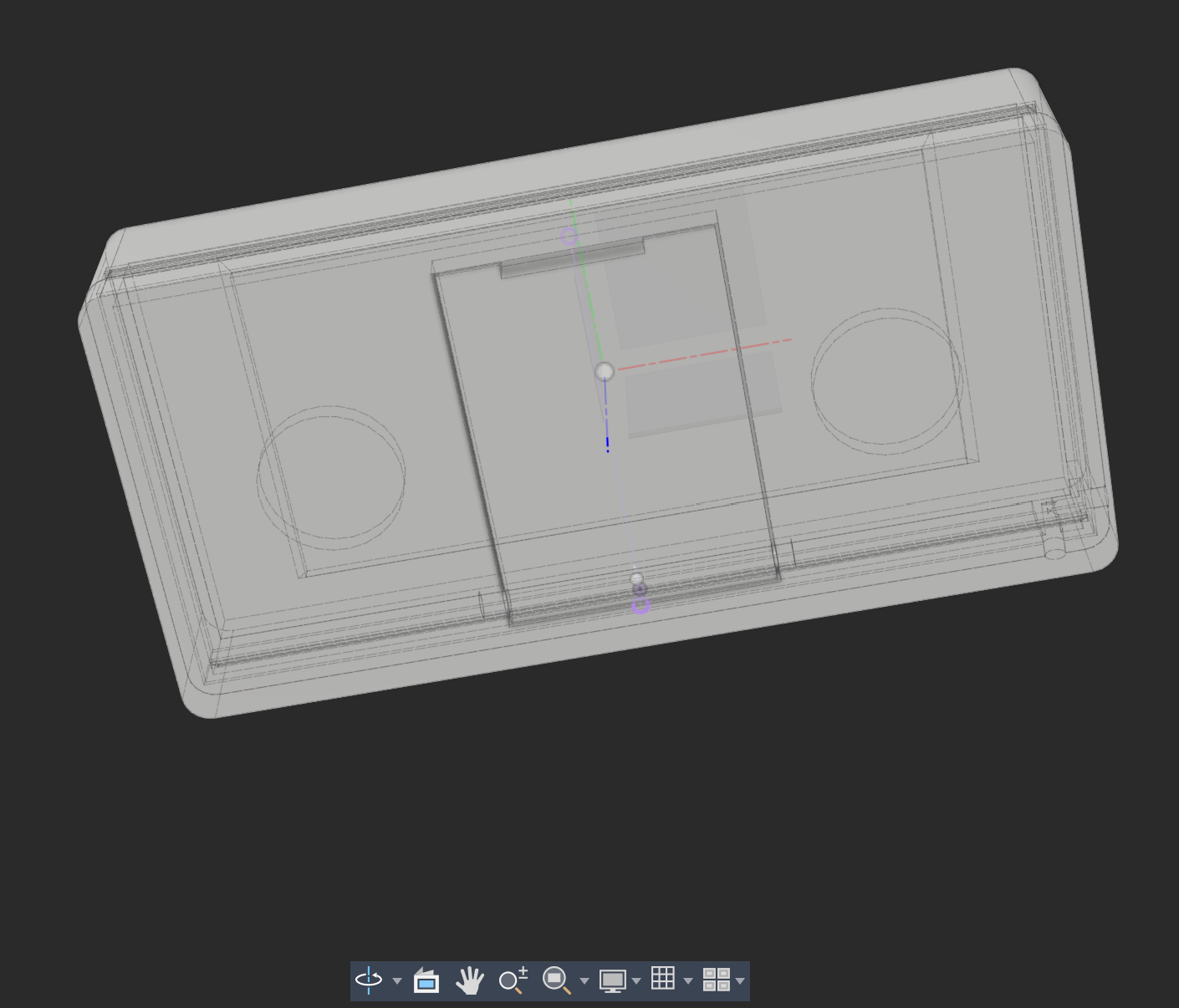
The original shell doesn’t survive disassembly — it’s ultrasonically welded shut, so the
replacement case isn’t optional. I designed a sliding-lid enclosure to replace it: two parts,
STL + 3MF in the 3D/ folder. [FILL: printing details — what you printed it in, how the lid
fits, any post-processing]
What I’d do differently
Some of this is on me. The DOA rate wasn’t the real lesson — ordering 100 tags before the idea was solid was.
- Don’t buy 100 until the idea is solid.
- Untested lots have a DOA rate. Mine: less than a third survived, even after mixing and matching panels and boards. Budget for it, or pay more for a tested lot.
- Prefer socketed panels (the 2.9″ HINK-E029A10). The soldered 2.13″ ones are fiddly to disassemble without damaging the FPC — painful at quantity.
- Expect flat batteries. Almost the entire lot was dead — but they’ll run on a small LiPo or coin cells once you swap them.
- Search terms:
盒马 价签,盒马 墨水屏,电子价签 拆机. “Defective” often just means a dead battery. (or a broken screen. lol)

Alternatives
This project keeps the original DA14585 board — the cheap, elegant path. Two others exist if a board is dead:
- ESP32 + GxEPD2: rip the panel out and drive it directly over SPI. Most flexible and documented, but you lose the original radio and power system.
- OpenEPaperLink: an ESP32 access point re-flashes tags over their original radio and serves them images. Best if you want a fleet of tags, or Home Assistant integration.

Closing thoughts
what’s next — I still have a drawer full of them. Battery use is on the list too: the radio waking every 10 minutes is already frugal, but there’s room to optimize further.
A supermarket’s labeling system, retired and dumped on the second-hand market, became a better desk clock. It’s an e-ink display, a BLE radio, and a battery in a shell — it just needed better software for the brain that was already in there. The makerspace project never shipped. The tags found a use anyway.
Repurposing the boards to HID device in the works, maybe a Bluetooth Joystick or Keyboard.
None of this would exist without tpunix’s HMCLOCK — the reverse-engineering and the firmware are his. My part was smaller: translate it, redesign the clock face, and design a case to put it in. The fork is here.
Resources
- Project: github.com/terenceang/HMCLOCK-EN
- Web app (time sync): terenceang.github.io/HMCLOCK-EN
- Original (Chinese) project: tpunix/HMCLOCK
- DA14585 SDK (Renesas): SDK 6.0.22.1401
- Panel pinout:
Hardware/HINK-E0213A41-FPC.md - Font: DSEG — 7-segment font
- Alternatives: GxEPD2 · OpenEPaperLink